Map
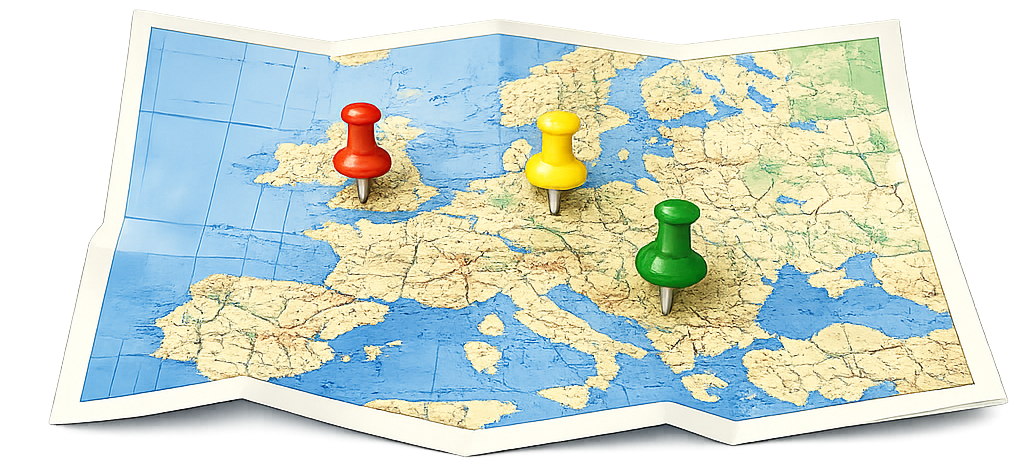
The map page offers a powerful and intuitive way to explore your photos geographically. It lets you pan and zoom smoothly while photos appear dynamically based on the area you’re viewing. Each picture is represented by a clean, interactive marker, and dense locations are automatically clustered for clarity.
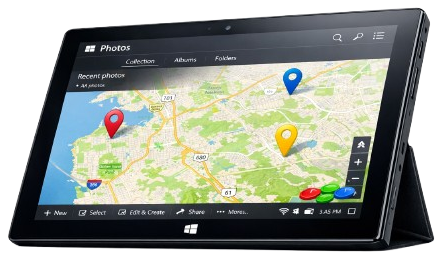
Three pins, one map, and a tablet that knows exactly where it’s going
You can create custom geographic regions directly on the map using rectangles or polygons, name and save them, and instantly see how many photos each area contains. Regions can be shown, hidden, navigated to, or removed with simple controls, making location‑based organization both flexible and natural.
Selecting a photo reveals a slide‑out panel with metadata, GPS coordinates, and on‑demand reverse geocoding to display real‑world addresses. Quick actions like favoriting, deleting, or jumping to the detailed view keep everything at your fingertips. In short, the map page transforms your library into a geographic experience—letting you explore places, define meaningful regions, and understand your photos in the context of where they were taken.